


When browsing for files, select the category you want and open its container. The Filters tab will be on the left under the category/container header.
Containers and headings
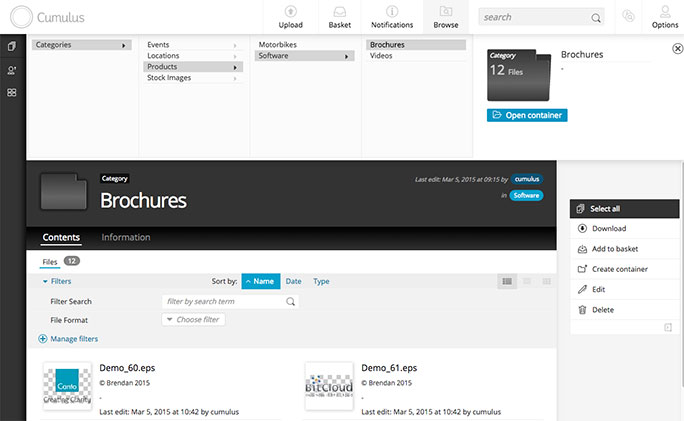
You can search by search term or you can select Manage filters and that will let you select the filters you want to use and will allow for an even deeper level of access.
The Filter options
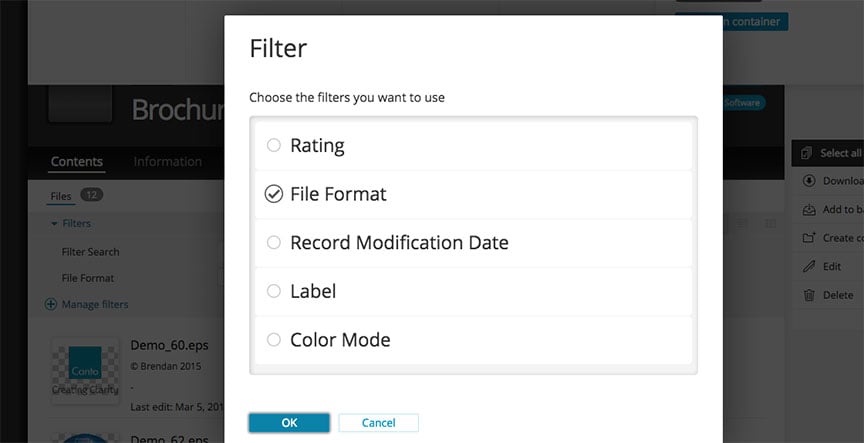
If you choose the File Format filter, all the files will be found and displayed according to their format, making it easy to find specific types of files.
It is all about saving time and doing things in an efficient manner.
