


If you’re evaluating Digital AssetManagement (DAM), it’s almost guaranteed someone will ask: “Can’t we just useSharePoint?” It’s a reasonable question. Many Australian organisations already rely on SharePoint for internal collaboration and document management. But DAM and SharePoint were built for different purposes. Understanding that difference early helps avoid over-engineering or forcing one system to behave like another. See our guide for a broader overview of choosing a DAM.
The difference is less about file storage and more about intent. SharePoint assumes files are being worked on, edited, and shared internally. DAM assumes assets are finished, approved, and reused repeatedly across teams or channels. That distinction shapes how each system handles search, permissions, structure, and lifecycle management.
What Is the Core Difference Between DAM and SharePoint?
SharePoint is designed for document collaboration and internal file management, while a DAM system is designed to manage visual assets using structured metadata, rights control, and controlled reuse at scale. This difference becomes important when media assets are reused across teams or distributed externally. Organisations comparing DAM vs SharePoint should focus less on storage and more on how content is governed and reused.
If you’re weighing the two options seriously, we’ve included a detailed side-by-side comparison table in our 2026 DAM selection guide, outlining governance, metadata, permissions, integrations and scalability differences in more depth.
If you're currently relying on SharePoint and starting to feel the limitations, you're not alone. Many organisations reach this point as their content grows and becomes harder to manage.
Download our 2026 DAM Buyer’s Guide to understand what to look for in a dedicated solution.
Where SharePoint Works Well
Because SharePoint is embedded in the Microsoft ecosystem, it feels natural for teams already working in Word, Excel, and Teams. It supports structured collaboration and controlled document access extremely well. The challenges usually appear not because SharePoint is inadequate, but because it is being asked to manage assets it was not originally designed to govern at scale. SharePoint works well in environments where content is primarily internal and document-heavy.
• Collaborate on drafts and working documents
• Manage policies and internal documentation
• Store structured departmental files
• Control access within Microsoft 365
• Support intranet-style publishing
Where DAM Adds Value
DAM systems are designed with reuse in mind. They assume assets will move between departments, be published externally, or be accessed by agencies and partners. As soon as media becomes central to brand, marketing, or communications activity, the need for visibility, structure, and lifecycle control becomes more apparent.
A DAM system becomes valuable when content moves beyond working documents into reusable media. It is purpose-built for organisations managing images, video, and brand assets across departments.
• Images and video reused across teams
• Campaign and brand asset management
• Rights, consent, and expiry tracking
• External distribution to partners or agencies
• Metadata-driven search and reuse
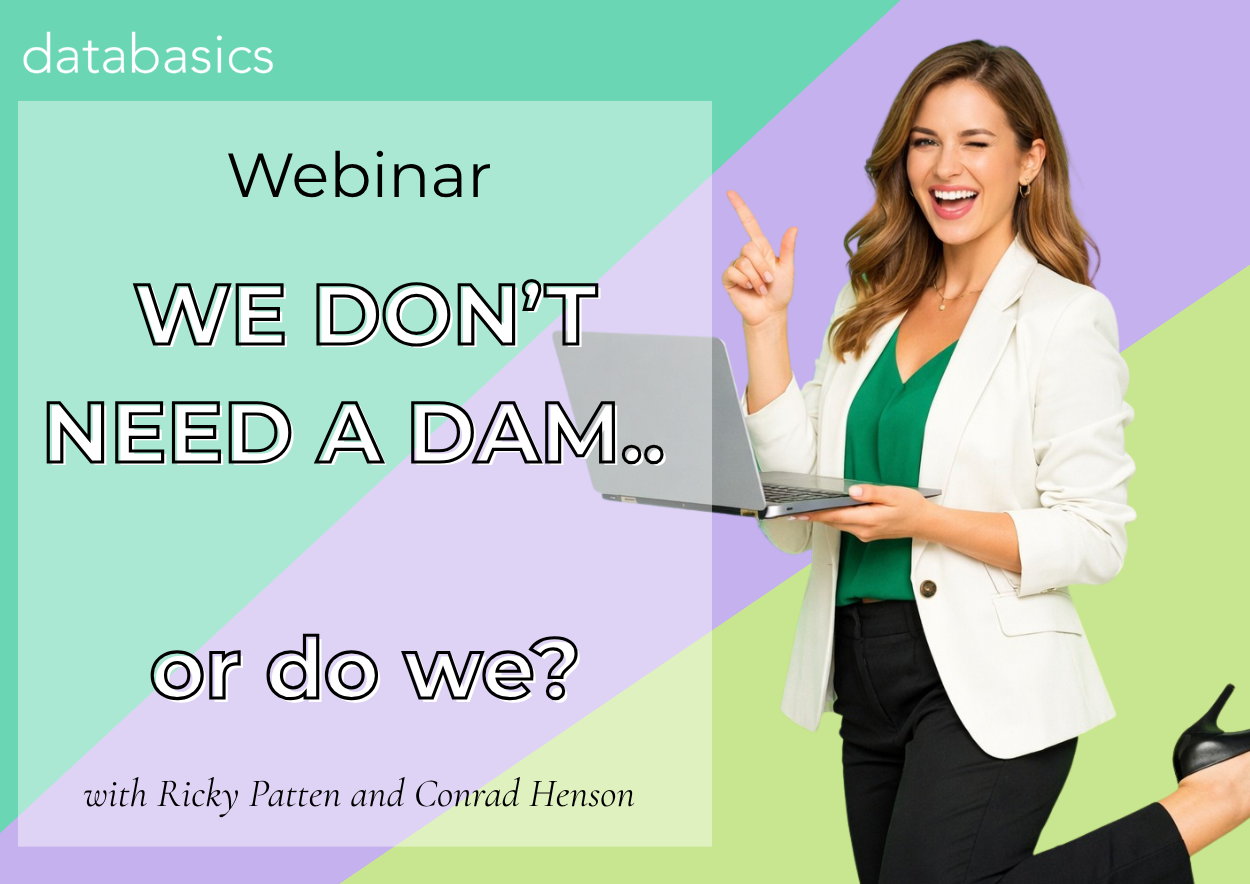
Join our upcoming webinar to see when a DAM actually makes sense (and when it doesn’t).
Choosing between SharePoint and a dedicated DAM isn’t always straightforward — especially if you’re balancing cost, usability and governance.
The Metadata Difference
Metadata is central to how a DAM operates. Unlike general document libraries, DAM platforms rely on structured metadata models to make assets searchable, reusable, and compliant.
Well-designed metadata allows users to find the right asset quickly, understand its approval status, and reuse it with confidence. Without that structure, search results become unreliable and trust in the system declines.
• Structured and controlled metadata fields
• Search designed for reuse, not just storage
• Visibility of rights and expiry
• Support for automation and reporting
Governance and Risk Considerations
When content is reused publicly or externally, governance becomes critical. DAM platforms are typically better suited to handling media lifecycle controls and usage visibility.
• Licence expiry visibility
• Consent documentation tracking
• Approval workflows
• Role-based access control
• Controlled external sharing
As organisations publish more content publicly, the risk profile changes. Images may carry usage restrictions, campaigns may have expiry dates, and consent requirements may apply. A system that clearly surfaces this information reduces uncertainty and helps teams move faster without compromising compliance.
What Happens When SharePoint Is Used as a DAM
Some organisations attempt to extend SharePoint into a media management system by layering folders, naming conventions, and manual tagging. At small scale this can work, but complexity increases quickly.
• Folder structures replacing taxonomy
• Manual naming conventions
• Inconsistent tagging
• Limited media-specific controls
These workarounds often rely on discipline rather than structure. Over time, inconsistencies creep in. Teams develop their own naming approaches, folders multiply, and version confusion increases. What worked for a small team can become difficult to manage as content volumes and stakeholders grow.
When SharePoint Alone May Be Enough
Not every organisation needs a DAM. If content is mostly document-based and media reuse is limited, SharePoint may remain sufficient.
• Mostly document-based content
• Low media reuse
• Minimal governance requirements
• Stable, small-scale environments
It’s important not to overcomplicate the solution. If media assets are limited, rarely reused, and not externally distributed, introducing a DAM may add more overhead than benefit. The decision should be driven by operational need rather than perceived best practice.
When DAM Becomes Worth Considering
A DAM becomes worth considering when media volume increases, reuse becomes frequent, and governance complexity grows.
• Growing media volumes
• Frequent brand reuse
• External publishing
• Regulated or public-facing environments
• Search becoming unreliable
This is usually the point where teams begin to lose confidence in their content library. People spend more time searching, checking approval status, or asking colleagues for confirmation. A DAM system can reduce that friction by making status, ownership, and usage conditions clear at a glance.
Why Integration Is Often the Practical Answer
For many Australian organisations, the most practical solution is coexistence: SharePoint for documents and DAM for media assets.
Integration avoids forcing one platform to do everything. It allows teams to continue collaborating in SharePoint while relying on DAM as the structured source of truth for approved assets. This separation of responsibilities often leads to clearer governance and better long-term adoption.
Questions to Ask Before Deciding
If you are deciding between DAM and SharePoint, structured evaluation questions can clarify your needs.
• Are we managing mostly documents or media?
• Do we require structured metadata?
• Are usage rights and expiry important?
• Do external agencies need controlled access?
• Is version confusion common?
• Is search reliable?
These questions help move the conversation away from features and toward workflow reality. By focusing on how content is created, reused, and governed, organisations can avoid selecting technology that solves the wrong problem.
When To Choose a DAM Instead of SharePoint
You should consider a DAM platform like Canto if:
- your team struggles to find assets quickly
- content is duplicated across systems
- you need better control over permissions and usage rights
- marketing or creative teams rely heavily on visual assets
- content needs to be reused across campaigns or channels
Bringing It Back to DAM Selection
SharePoint can work for basic document management, but as content volume and complexity grow, many organisations find it no longer meets their needs.
If you're evaluating your options:
Join our webinar to see real-world use cases
Or book a demo to explore Canto
