|
|
|
Distributor of creative business solutions. Home | About Us | Contact | Sitemap | ||
List of Suppliers: Resellers/Integrators List News & Events Index - Info Bulletins archive - Press releases Free Seminars Free Demos Free White Papers Business Solutions:
PODi Member 2008-9
|
DBIB DECEMBER 2009In this issue:
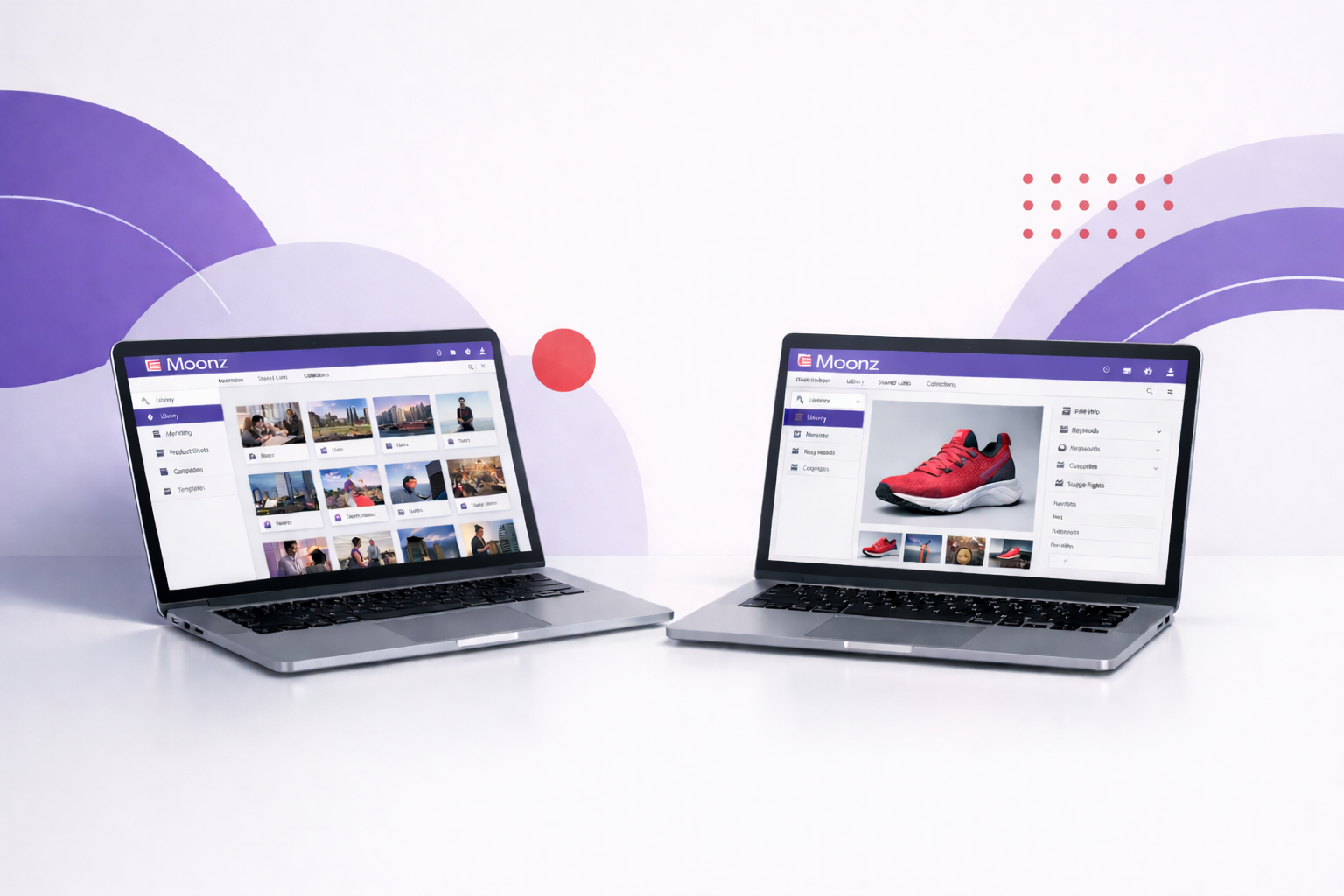
Cumulus New Web Technology InfoCanto released v8.1 of the Cumulus suite in late December (refer previous Info Bulletin) and with it came a new approach to web technology in Cumulus. The first major advance is that a new product, Cumulus Web Client replaces the previous interactive Web Option, Internet Client Pro. The second advance will see the replacement of the browser interface Web Publisher Pro with the new Cumulus Sites in late February - early March. Cumulus Web Client is not just an upgrade of Internet Client Pro. The new Cumulus Web Client enables users to connect to Cumulus via Web browsers to find and download assets, edit metadata and upload new assets - with the added features of a thumbnail slider and image editor to crop, convert and save files to the desktop. Just like the v8 native client. Also released with v8.1 is the new Cumulus Cross Client option - not an angry customer but a new way to work with Cumulus! As an add-on to Cumulus, this standalone Option enables users to work both with Cumulus Server-based catalogs, or catalogs created and stored locally for personal use. Ideal for swapping between desktop and on the road laptop, local catalogs can be created and records copied from server-based catalogs. Stay tuned for more information about the new Cumulus Sites - on the way. Check the latest price list (PDF) for new server Web bundles and Cross Client Option pricing. Printable FusionPro suite updatesFusionPro Links January 2010 Release: New Features and Improved Functionality. The latest release includes several new feature enhancements and issue resolutions. This release affects Printable customers using the FusionPro Links hosted solution (Printable's personal URL and campaign tracking system). There are several key enhancements available in FusionPro Links including: Refer more info and new datasheets on the FusionPro suite - Desktop, Direct, Server, Links and the re-named MarcomCentral (formerly FusionPro Web). FusionPro and DirectSmile IntegrationPrintable has just announced the integration of DirectSmile with the FusionPro and MarcomCentral product suite. is a software company that invented what is called "image personalisation". See the Press release (pdf). DirectSmile enables the creation of incredibly eye catching and intelligent marketing materials without the need for internal investments in hardware, software, and development resources - allowing designers to create extremely photo-realistic personalised imagery for use in 1-to-1 marketing campaigns. For example, a person's first name might appear in clouds floating in the sky or perhaps written in pebbles on the beach - see more examples and test it yourself online. Have all your questions answered, see the FAQ (pdf) Request a demo of any of the FusionPro, MarcomCentral products and DirectSmile. HELIOS Updates: Time Machine Backup and ScriptAssistantHELIOS have updated their website - there are two new customer focused sections. In the INDUSTRIES section, HELIOS benefits are discussed for seven different industries. The SOLUTIONS section profiles these HELIOS solutions: Future of DTP, HD Color, Image Processing, Proofing, WebShare Connectivity, PDF Production, Workflow Automation, Enterprise Fileserver, and Printing. See also the new WebShare Flash demo. * Time Machine Backup image creator
One drawback is that these images are unlimited in size. So admins want to limit the size of each disk image, to manage the disk utilisation of the backup disk. This inspired HELIOS to develop the HELIOS Time Machine Image Builder, to create custom disk images with a specified size. * HELIOS ImageServer UB+ ScriptAssistant
HELIOS ScriptAssistant is a free utility that simplifies the creation of hot folder scripts for HELIOS Script Server and Tool Server. Automating processes is now possible for any user, without the need for special scripting knowledge. More details and to get your free copy. Technical Hints and Tips - Cumulus and HELIOS* Cumulus File Filters
Speaking of metadata... the latest Canto blog Term of the Month is entitled: Metadata Write-Back - Embedding metadata into assets. By default, Cumulus stores metadata in catalogs, which are separate from assets. This offers a number of advantages over systems that force you to store metadata inside assets, but sometimes storing metadata inside assets is important. Fortunately, Cumulus enables you to do both! This Term of the Month explains what metadata write-back is, when it makes sense, and why it's so important that Cumulus offers write-backs as option, not a requirement. More... And there's more... Add License Info (and More) to Every Photo You Distribute: Canto Cumulus can add metadata right inside your photo files, which means no matter where those files go, it will be clear who owns them, how they may be used and, best of all, how to contact you for further license or purchase info. Learn how you can make sure your important notices go out with every photo you distribute. Download the Power Tip PDF. * HELIOS Easy access to system error messages
The HELIOS 'psyslog' command collects all the system messages from various log files and compiles them into a single listing. The HELIOS command 'psyslog -f' shows all current system messages, and also lists new messages as they are issued. This is very helpful to diagnose problems. It works as well when HELIOS is installed on Windows - much easier than the Windows system Event Viewer tool. |
Back to News & Events index * Download this Information Bulletin pdf. * Pre-2008 DBIBs in the Information Bulletins (DBIB) Archive. |